-
Shopping cart is empty
-
x



-
Shopping cart is empty
-
x
-
-
-
Shopping cart is empty
-
x
For free delivery are missing -,--Free delivery!Sum NET 0,00 €Sum Gross 0,00 €Price includes discounts -
-
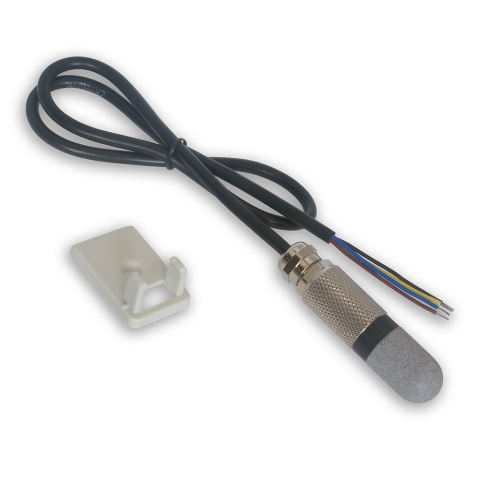
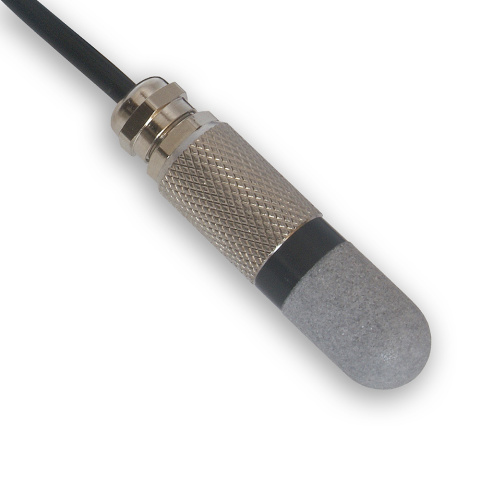
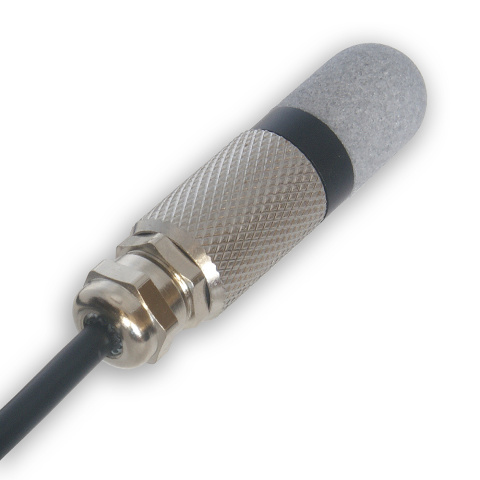
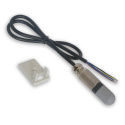
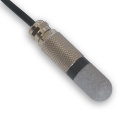
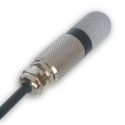
Humidity and temperature sensor with Modbus
79.95
| Shipping within | 24 hours from the moment of positive payment authorization |
| Shipping price | Depends on the delivery location |
| Availability |
High availability
|
| Leave your phone |
Humidity and temperature sensor with a Modbus RTU interface. Supported by Lan Controllers (equipped with a Modbus converter) as a custom Modbus module.
Technical specifications
| Power supply | 5 ÷ 24 V DC, brown wire + of power supply, black – |
|---|---|
| Measurement range | –55 to +125 °C (temperature) 0÷100 %RH (humidity) |
| Measurement accuracy | ±0.5 °C (temperature, resolution 0.1 °C) ±5 %RH (humidity, resolution 0.1 %RH) |
| Interface | RS485 (protocol Modbus RTU), yellow wire A+, blue B– |
| Power consumption | < 0.1 W |
| Cable length | 0.8 m |
Configuration
By default, the sensor has its Modbus address (Slave ID) set to 1. This can be changed using the software available below (which requires a USB-to-RS485 converter) or by using an LK4.
For the method involving the LK4, the Modbus command-sending function—available from software version 1.42 onwards—is required. The image below shows the configuration for a command to change an address from 1 to 2. To execute it, click the first button available in the row corresponding to the command (as shown in the second image). If you wish to connect multiple sensors to a single LK unit, you should connect them one by one and change their addresses—for example, to 2, 3, 4, and 5—by adjusting the command content in the configuration accordingly.W przypadku metody z wykorzystaniem urządzenia LK4 wymagana jest funkcja wysyłania poleceń Modbus, dostępna od wersji oprogramowania 1.42. Poniższa ilustracja przedstawia konfigurację polecenia zmiany adresu z 1 na 2. Aby je wykonać, należy kliknąć pierwszy przycisk w wierszu odpowiadającym danemu poleceniu (zgodnie z drugą ilustracją). Jeśli chcesz podłączyć więcej czujników do jednego modułu LK, podłączaj je kolejno i zmieniaj ich adresy – na przykład na 2, 3, 4 oraz 5 – odpowiednio modyfikując treść polecenia w konfiguracji.


Downloads
- Manual (EN)
- Modbus module configuration for LK4
- Windows program for changing a sensor ID address (requires a USB to RS485 converter)
- User manual for the sensor ID address change software (EN)
- Recommended products for the selected product